
Getting started · Two modes · Settings · Pro features · FAQ · Changelog
Getting started
Install Veila (free)
- Upload the
veilafolder to/wp-content/plugins/, or install the plugin from the Plugins screen. - Activate Veila through the Plugins screen. Veila starts in the “Off” mode, so nothing changes for visitors yet.
- Go to Appearance > Veila, pick a starter template, and set your logo, colors and text.
- On the Status tab choose “Coming soon” or “Maintenance” and save. Open your site in a private window to see what visitors see.
Install Veila Pro
- Install and activate the free Veila plugin first. Pro is an add-on and requires it.
- Upload the
veila-profolder to/wp-content/plugins/, or upload the zip under Plugins > Add New > Upload Plugin. - Activate Veila Pro.
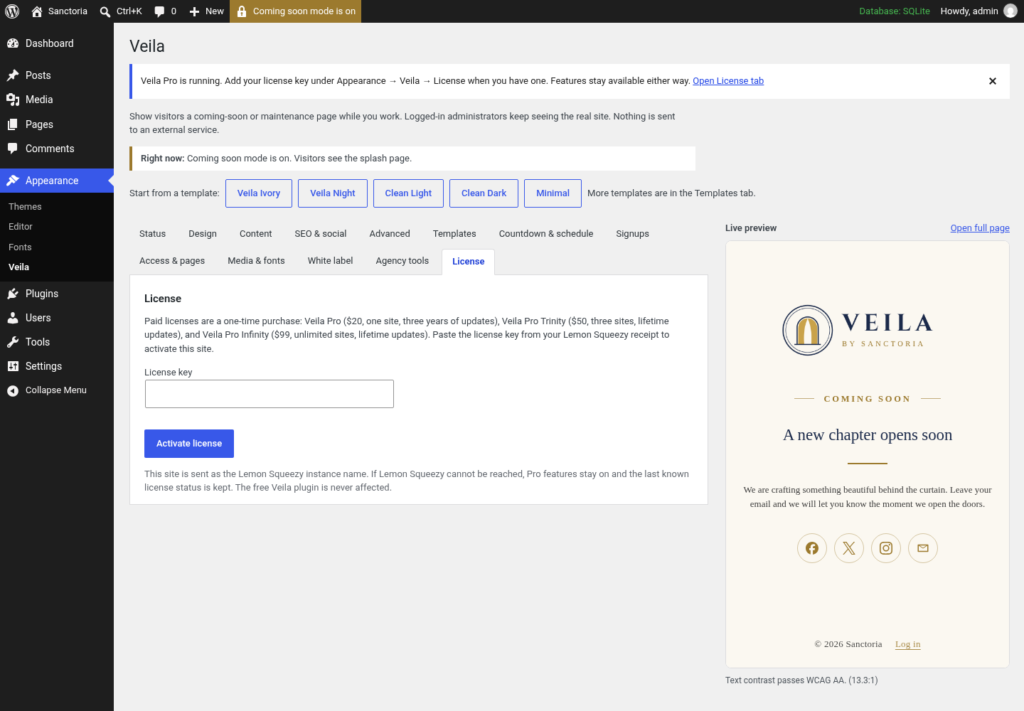
- Go to Appearance > Veila > License and paste the key from your Lemon Squeezy receipt. Pro features work before you activate a key; the key enables updates.
Two modes
noindex, nofollow and keep it out of results. Retry-After header and X-Robots-Tag: noindex, nofollow, so search engines come back later instead of dropping your pages. Settings
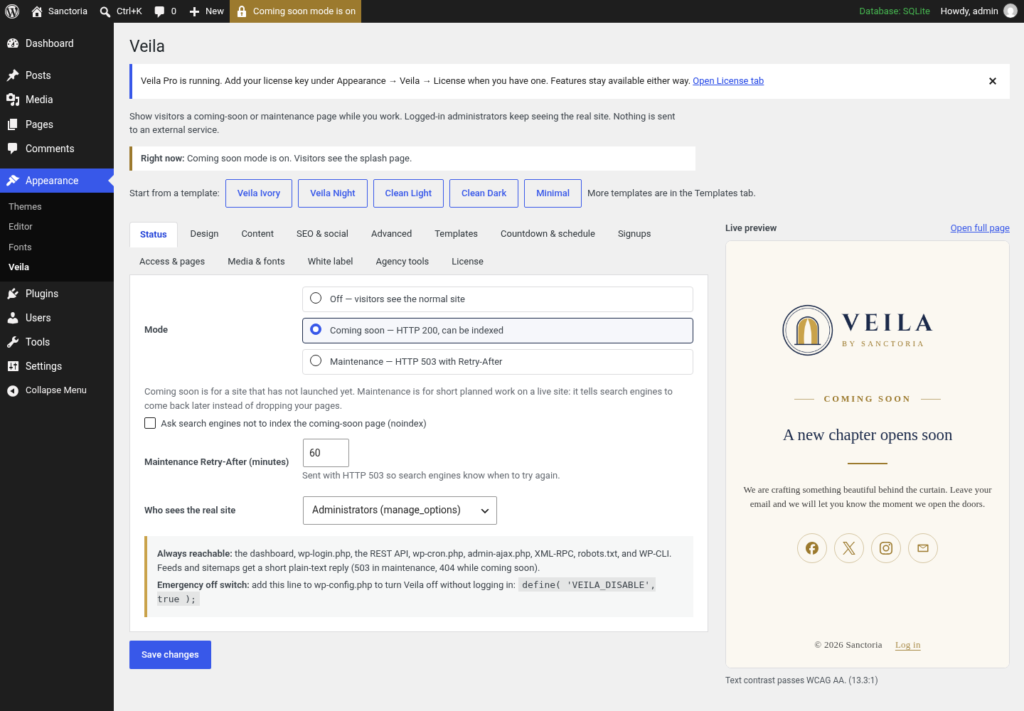
Status
- Mode: Off, Coming soon or Maintenance
- “Ask search engines not to index the coming-soon page (noindex)”
- “Maintenance Retry-After (minutes)”, 60 by default
- “Who sees the real site”: a capability, administrators by default
Design
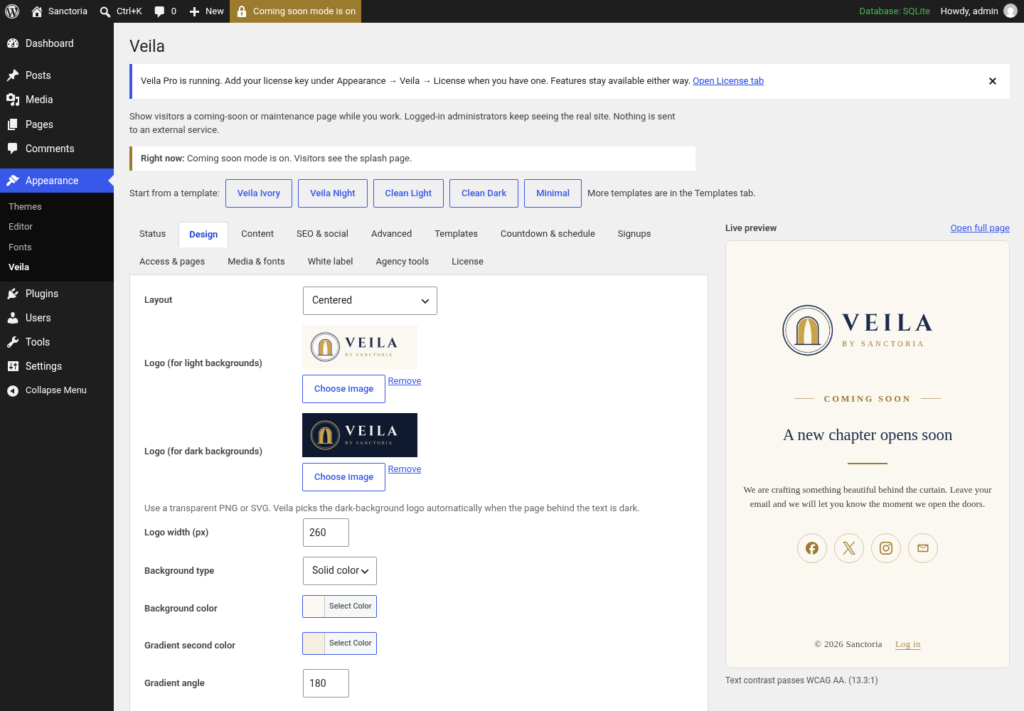
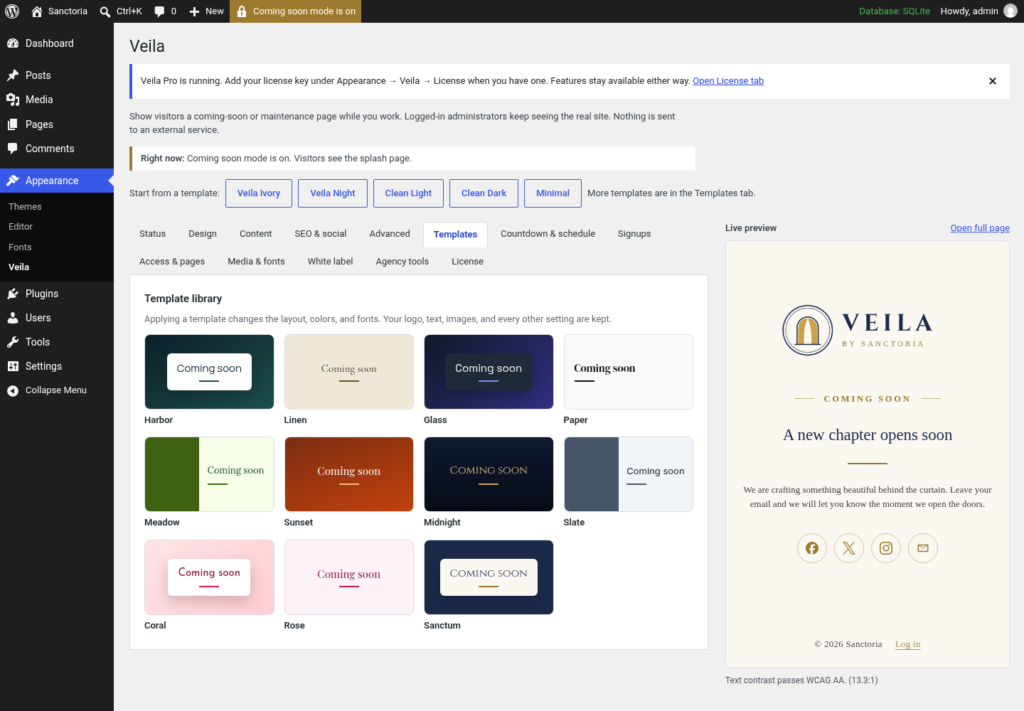
- Five starter templates: Veila Ivory, Veila Night, Clean Light, Clean Dark and Minimal
- Layout: Centered, Card, Split (image beside the text) or Minimal
- A logo for light backgrounds and a second logo for dark backgrounds, picked automatically, plus logo width
- Background: a solid color, a gradient (second color and angle), or an image from the Media Library with “Image darkening (%)”
- Headline, text, accent and card colors, with a contrast check that falls back to a readable color on the live page
- Typeface (system fonts), headline size and text alignment
Content
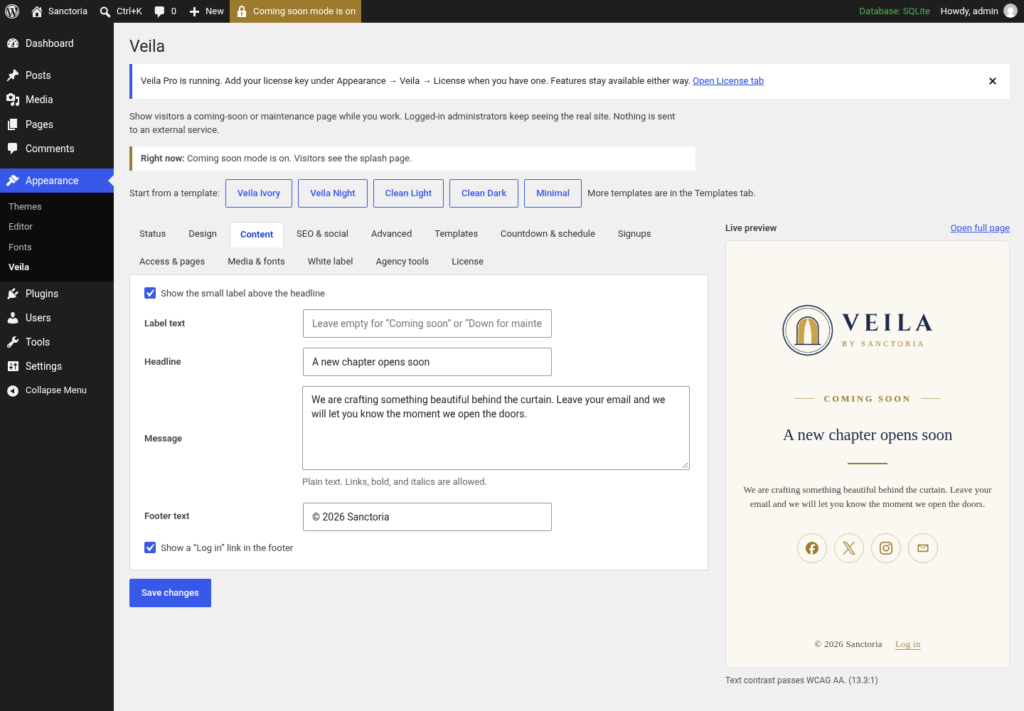
- “Label text”: the small label above the headline, with a show/hide toggle
- Headline
- Message (links, bold and italics allowed)
- Footer text
- “Show a ‘Log in’ link in the footer”
SEO & social
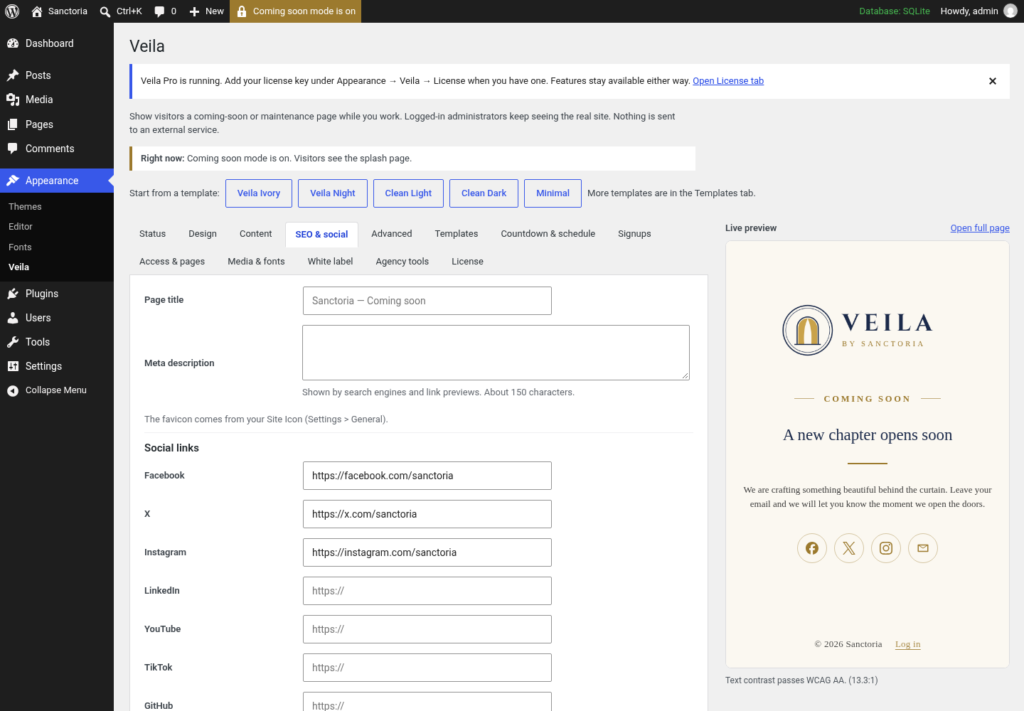
- Page title and meta description, with Open Graph tags
- Social links (Facebook, X, Instagram, LinkedIn, YouTube, TikTok, GitHub, email), drawn as inline icons
Advanced
- Custom CSS, added only on the splash page
- An optional “Made with Veila” footer note, off by default
Built to stay out of the way
- The dashboard,
wp-login.php, the Customizer, the REST API,wp-cron.php,admin-ajax.php, XML-RPC,robots.txtand WP-CLI keep working. - The full-page preview is admin-only and always returns HTTP 200, even when previewing Maintenance.
- Feeds and sitemaps get a short plain-text reply (503 during maintenance, 404 while coming soon).
- Splash responses send no-cache headers, and Veila asks common cache plugins to purge when you change modes (WP Super Cache, WP Rocket, W3 Total Cache, LiteSpeed Cache, SiteGround Optimizer, Breeze, Cache Enabler, Nginx Helper, WP Fastest Cache).
- Emergency off switch in
wp-config.php:define( 'VEILA_DISABLE', true ); - No remote fonts, scripts, tracking, ads or bundled plugin installs. Images come from your Media Library.
Pro features
Templates
Countdown & schedule
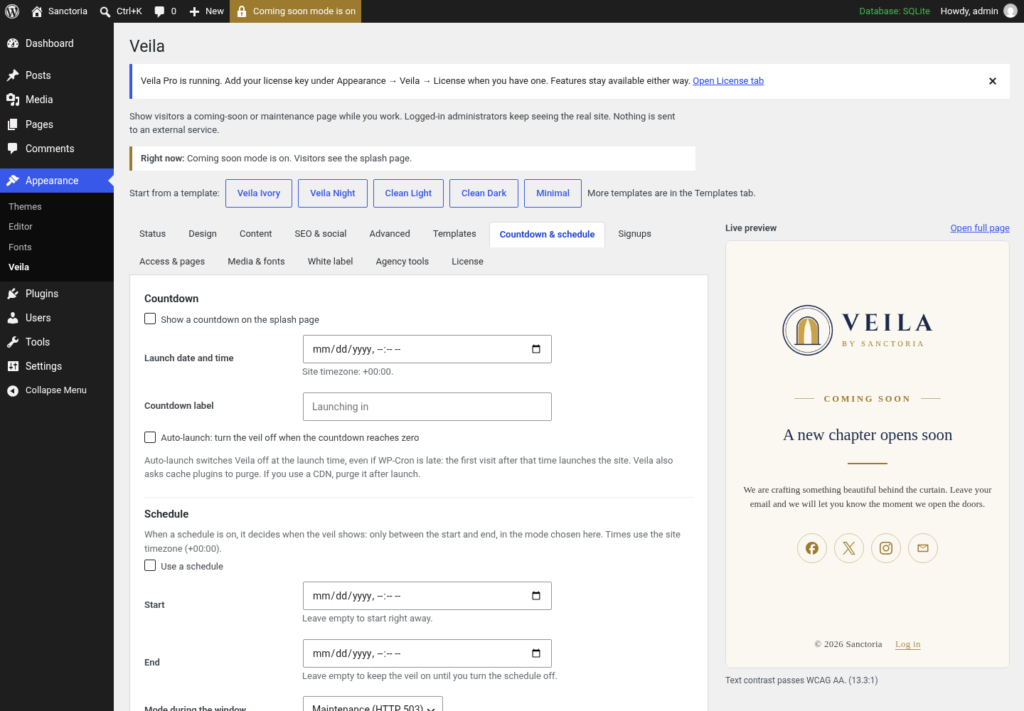
- Count down to a launch date and time in your site’s timezone.
- Optional auto-launch: when “Auto-launch: turn the veil off when the countdown reaches zero” is ticked, Veila switches itself off at zero (even if WP-Cron is late) and asks cache plugins to purge.
- Schedule: show the splash page only between a start and end time. Leave the start empty to begin right away, or the end empty to stay on until you turn the schedule off. “Mode during the window” can be Maintenance or Coming soon. In Maintenance,
Retry-Afteris set to the end of the window.
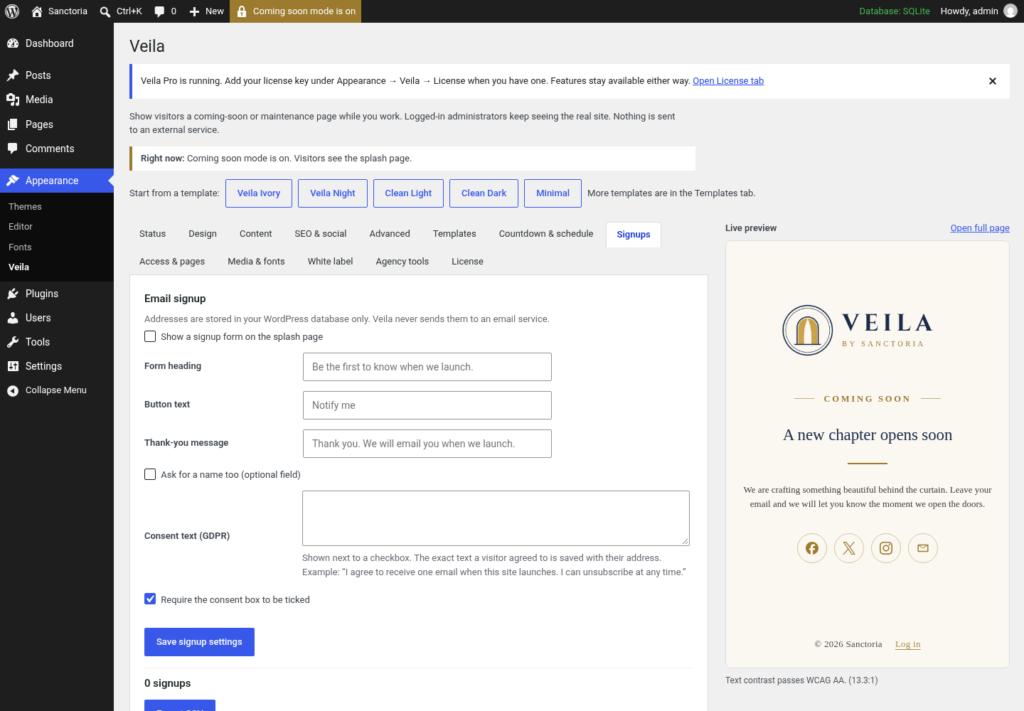
Signups
Access & pages
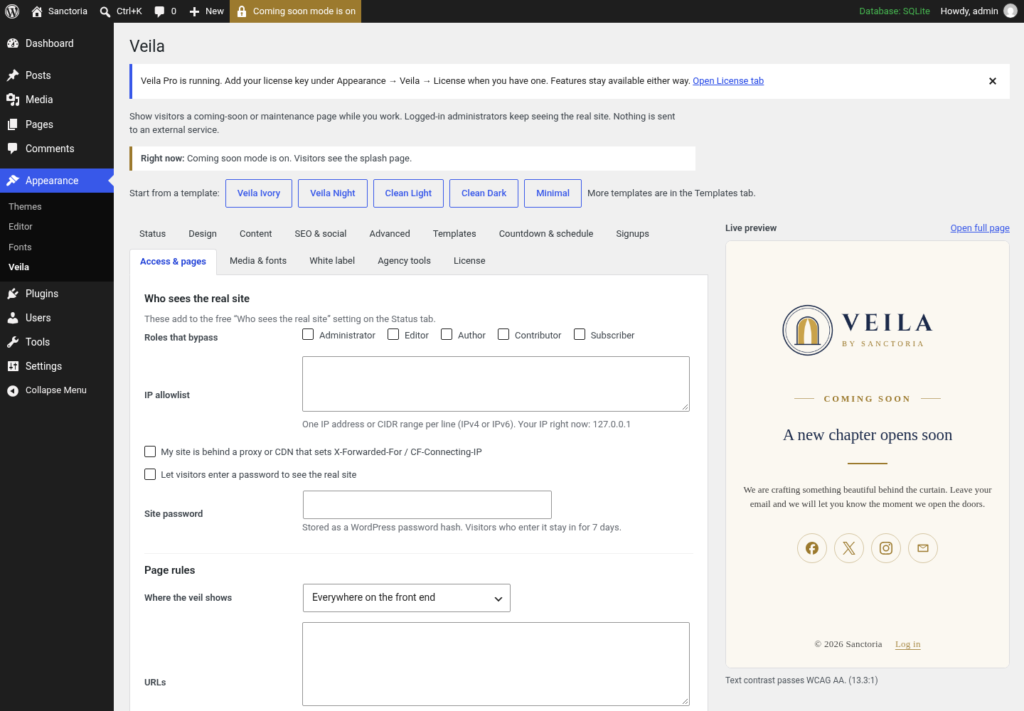
- Secret preview links for clients and reviewers, set to expire or never expire, revocable at any time
- Let chosen roles through
- IP allowlist with IPv4 and IPv6 CIDR ranges (optionally trusting a proxy header)
- Optional site password for visitors
- Page rules: cover the whole site, only matching paths, or everything except matching paths
Media & fonts
- Self-hosted video background from the Media Library (muted, looping, and hidden for visitors who prefer reduced motion)
- Ten bundled fonts served from your own site (SIL Open Font License), plus your own .woff2 upload
- Gentle entrance animations
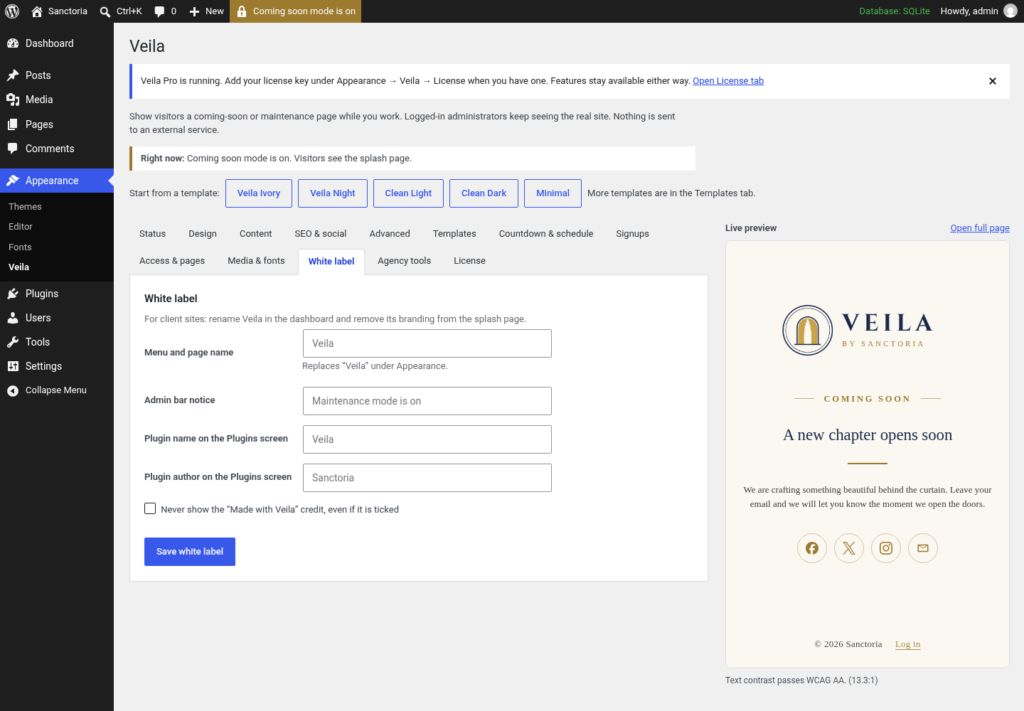
White label
Agency tools
- Export and import all settings as JSON. The export leaves out the license, the signups, the site password and the head code, and importing never changes the current mode.
- A head code field for analytics on the splash page (requires the
unfiltered_htmlcapability)
License
FAQ
You’re logged in with a role that can see the real site (administrators by default). Open the site in a private window, or use the “Open full page” preview link on the settings page.
Use Coming soon before launch. Use Maintenance for short work on a live site: the 503 status tells search engines the outage is temporary and when to retry.
Add define( 'VEILA_DISABLE', true ); to wp-config.php. Veila stops showing the splash page right away. wp-login.php is never blocked, so you can also sign in and switch the mode to Off.
A page cache or CDN is probably serving an old copy. Veila purges the common cache plugins automatically; purge your CDN or host cache by hand if you use one.
No. The free plugin uses system fonts and inline icons. With Pro, the page can use the bundled fonts or an uploaded .woff2, still served from your own site and never from Google. Images come from your Media Library, and social links are plain links.
Yes. The block editor, mobile apps and integrations rely on it, so Veila leaves it alone. Veila only covers front-end pages.
Yes, sold separately as a one-time purchase: Veila Pro ($20, one site, three years of updates), Veila Pro Trinity ($50, three sites, lifetime updates) or Veila Pro Infinity ($99, unlimited sites, lifetime updates). The free plugin stays complete and does not need a license key.
Pro features keep working. An expired Veila Pro license stops automatic updates until it’s renewed. Trinity and Infinity include lifetime updates.
Veila Pro fails open: features stay on and the last known license status is kept.
In a table in your WordPress database ({prefix}veila_subscribers). Nothing is sent to an outside service. Export them as CSV from the Signups tab.
No. Expired or revoked links stop letting visitors through, including visitors who already have the cookie.
Deactivate and delete it. Deleting free Veila removes its settings. Deleting Veila Pro also removes the signups table, secret links, license data and scheduled events. Images you uploaded stay in the Media Library.